Intelligent Business Automation
Automate the repetitive work between your systems
We automate repetitive business workflows — lead handling, document processing, support triage and CRM updates — combining dependable integrations with AI where judgement is needed.
Capabilities
- CRM automation
- Lead intelligence
- Document processing
- Customer support automation
- Business workflow orchestration
- API integrations
- n8n and Make.com workflows
- Voice AI integrations where appropriate
Who it's for and what it solves
Who it's for
- Teams spending hours a week copying data between tools
- Sales and operations teams that need faster, more consistent lead follow-up
- Businesses processing high volumes of emails, forms or documents by hand
Problems we solve
- Manual data entry and copy-paste between CRM, email, spreadsheets and internal tools
- Leads and support requests that wait too long for a first response
- Documents that have to be read and re-keyed before anything can happen
- Brittle automations that break silently when a format changes
How we'd solve it
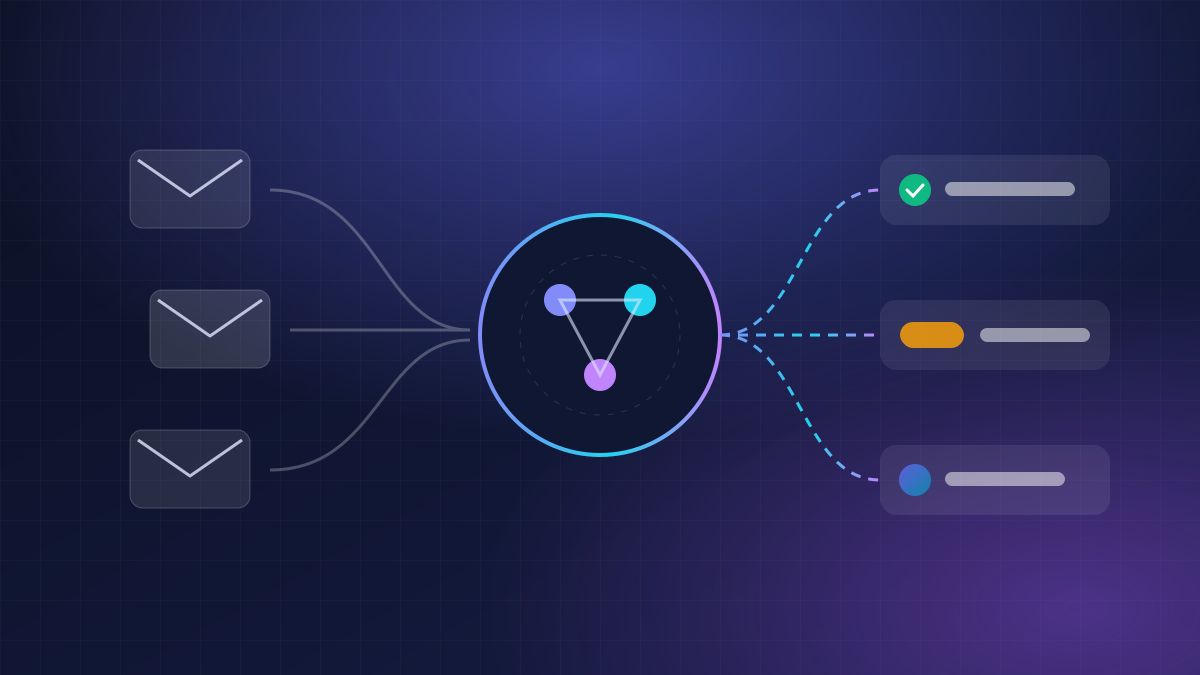
We map the workflow end to end, automate the deterministic steps with reliable integrations, and use AI only for the steps that need language understanding — classification, extraction, summarisation or drafting.
Automations include validation, retries, alerts and an exception queue for people, so edge cases are handled rather than lost.
Map
Prioritise
Automate
Monitor
Typical use cases
Lead capture & qualification
Document processing
Support triage
CRM hygiene
What you receive
- Workflow map with automation opportunities and estimated effort
- Production automations (code, n8n or Make.com — whichever fits)
- AI steps with validation and confidence thresholds
- Error handling, alerts and human exception queue
- Run history and basic reporting
- Documentation and handover
Tools we commonly use
Chosen per project for quality, cost, maintainability and your existing stack.
- n8n
- Make.com
- Zapier
- Python
- FastAPI
- Node.js
- OpenAI
- Anthropic Claude
- PostgreSQL
- REST & webhooks
AI Automation questions
Code or no-code automation?
How do you estimate the value of an automation?
What happens when the AI is unsure?
Let's talk about your ai automation project
Tell us about the problem you're solving. We'll reply with practical next steps — whether that's a short discovery call, a prototype, or advice on whether AI is the right fit at all.